Use case summary
Save up to 90% on email storage and network costs by automatically replacing attachments sent to your organization with Box links.
- Go to Mail2Cloud Dashboard.
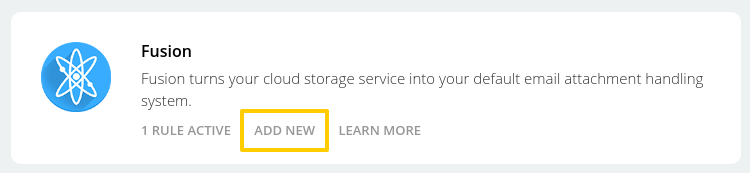
- Click on 'Add New' button at Fusion panel.
- Select "From" option.

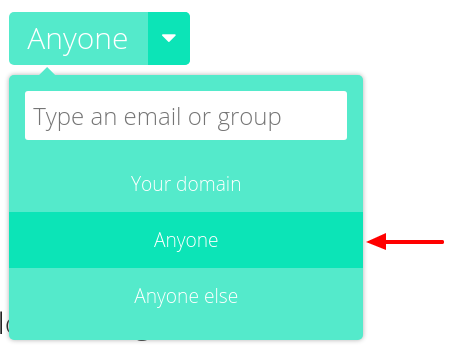
- Type an email, group or select the domain for whom you want to apply this rule.

- Select "Anyone" to apply the rule to any recipient, within the company or outside the company
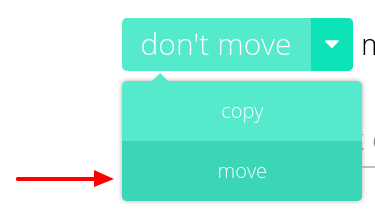
- Set Fusion rule option in 'Move'
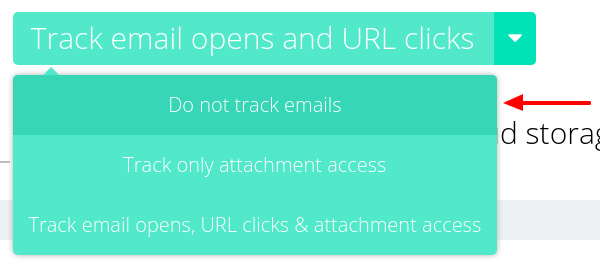
- At tracking options select 'Do not track'.
- Select 'Insert' a "paperclip" on messages with cloud storage links.

- Click on 'Advanced options' button.

- Toggle 'Only apply Fusion rule to attachments over a certain size' and set the desired size.
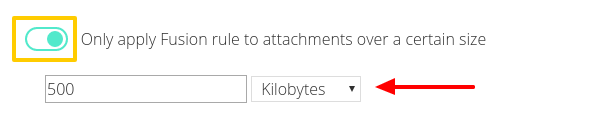
- Toggle 'Do not overwrite existing messages'.

- Toggle 'Save message as PDF'.

- Click on 'Create this rule' button.
Comments