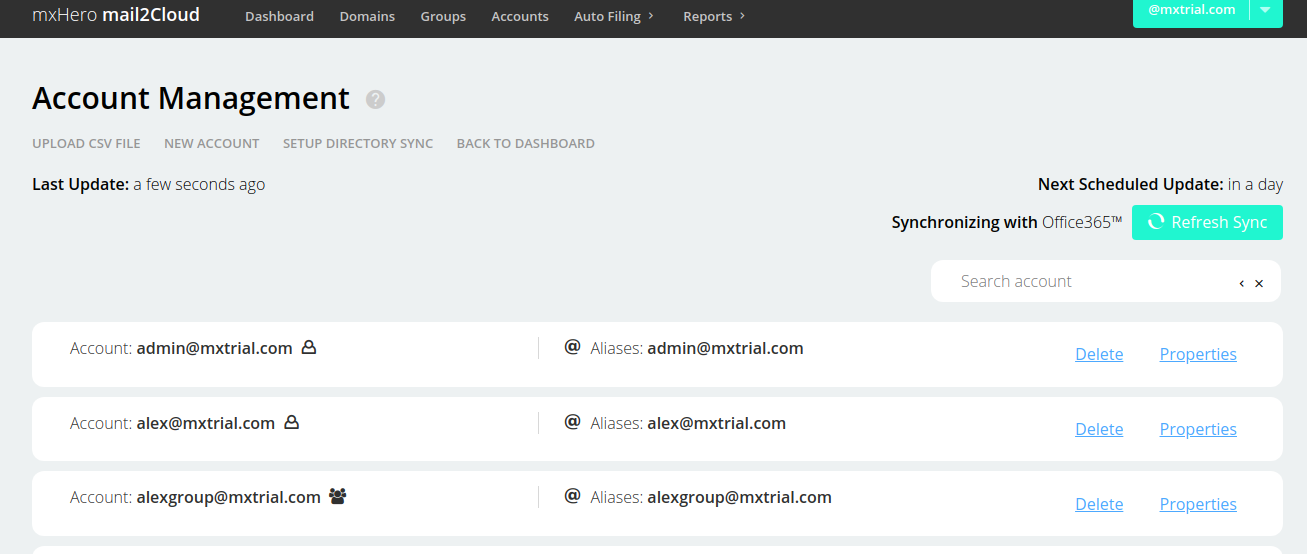
This process will enable synchronization of all your accounts between your domain in Office365™ and mxHero. It may take a while to finish.
You'll need a Office365™subscription to syncronize your directory from Office365™.
- Go to https://app.mail2cloud.io
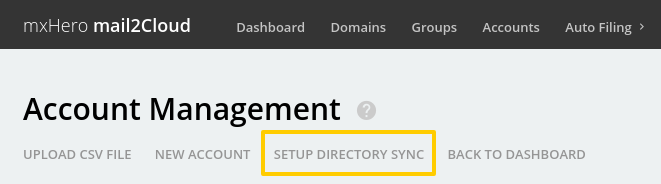
- Click on "Accounts" button in the top menu.
- Click on the "Setup directory sync" button.
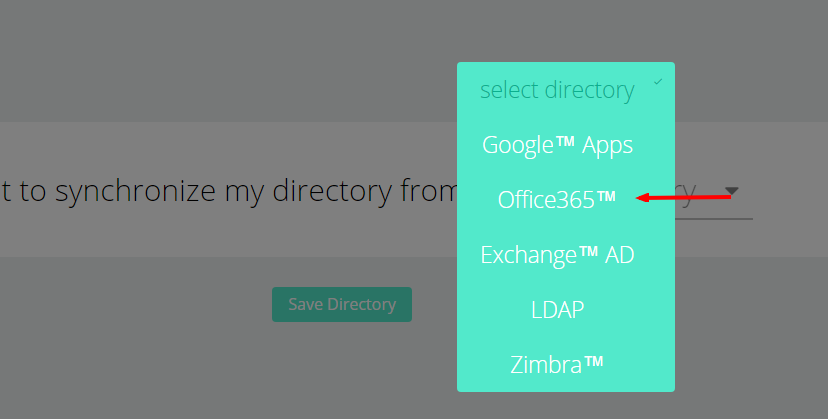
- Click on the "Select directory" Drop down menu.
- Select Office365™ Apps.
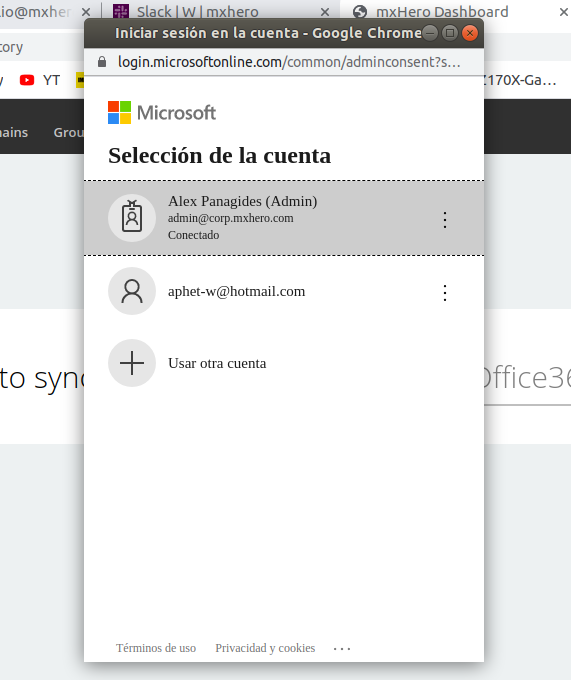
- Select your account
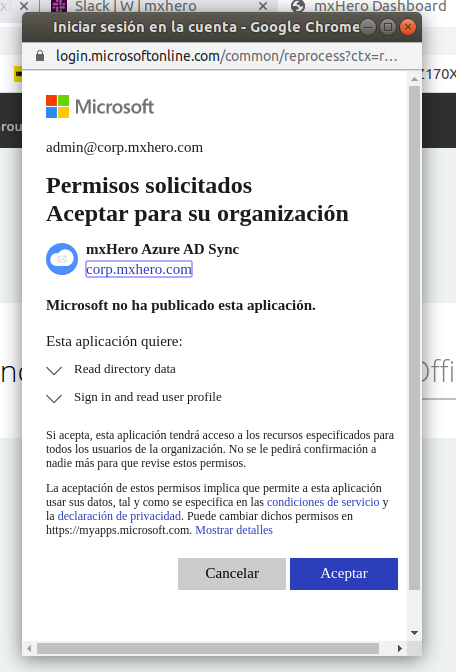
- Click on the "Accept" Button.
- Now your directory is synchronized with your Office365™ Apps.
Comments