Register with Office 365
- Go to mxHero Mail2Cloud Dashboard.
- Click on "Register a New Domain" button.
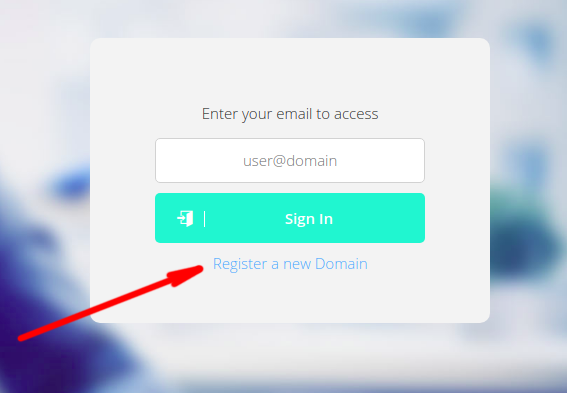
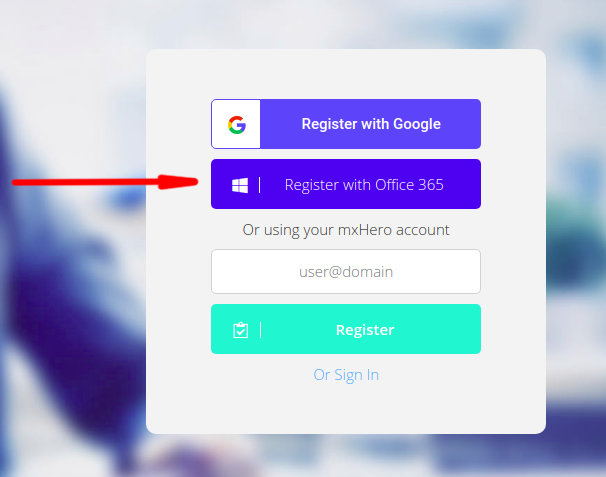
- "Sign in with Office 365" button.
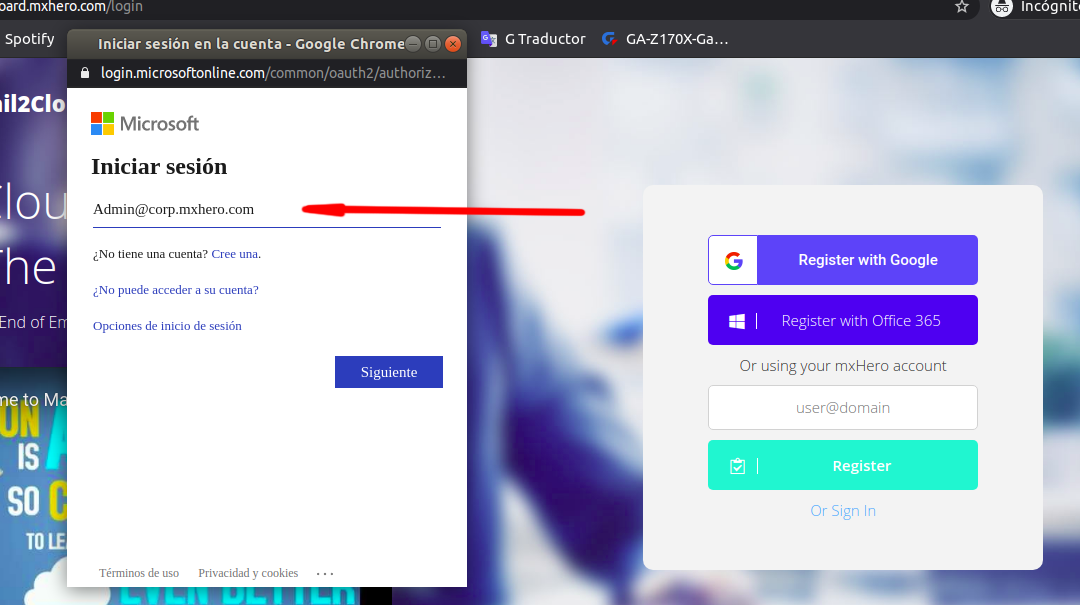
- Enter your Office 365 address into the email field.
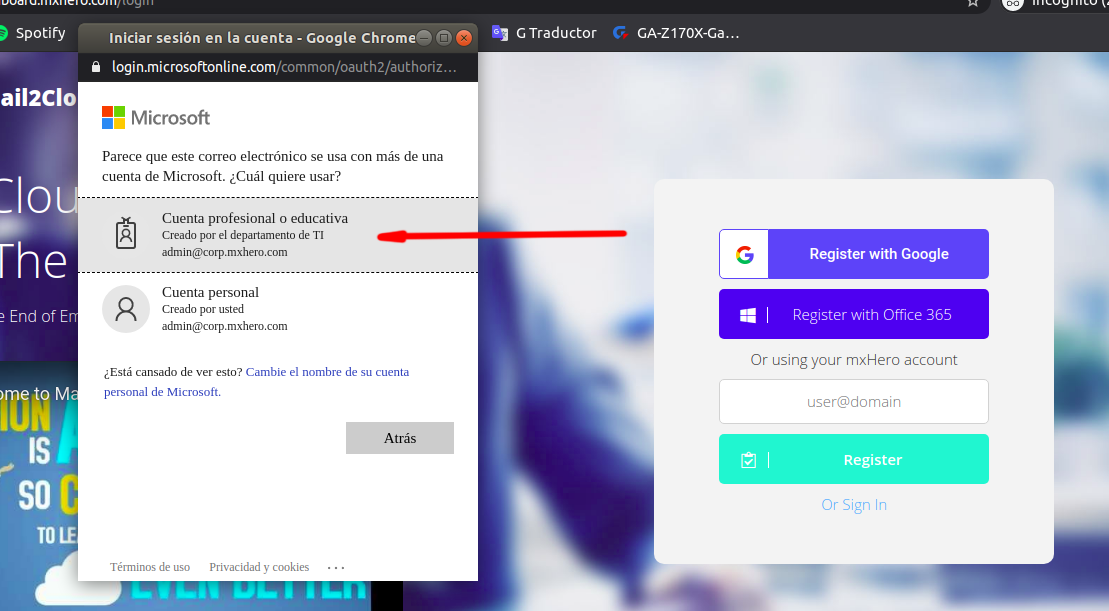
- If a popup asking to select account type shows up select "Work or School account".
- Enter the password associated with the previously entered Office 365 account address in the password field.
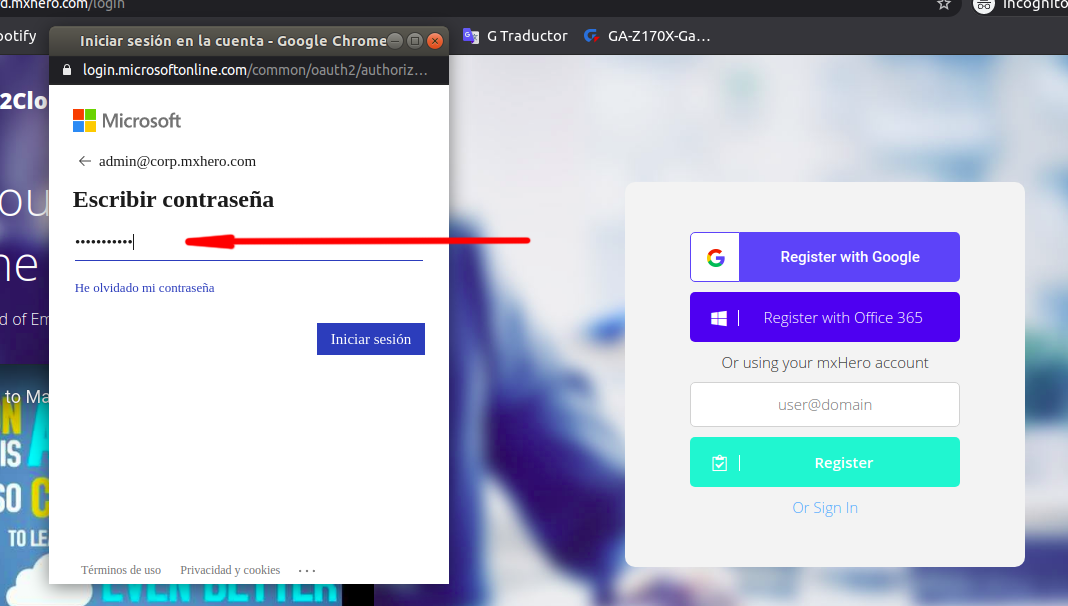
- Click on the "Sign In" button.
Comments